
Inside the app

Plan, grow and remember every win.

See how Yard Yield helps you choose a crop, keep track of your garden and build a useful record as you grow.

01 · Plan

Find your next crop.

Browse monthly planting choices, then narrow the list for your garden. See crop information before deciding what to grow.

  • Explore seasonal crop choices
  • Filter for pots, herbs or beginner-friendly crops
  • Compare plant information before you start
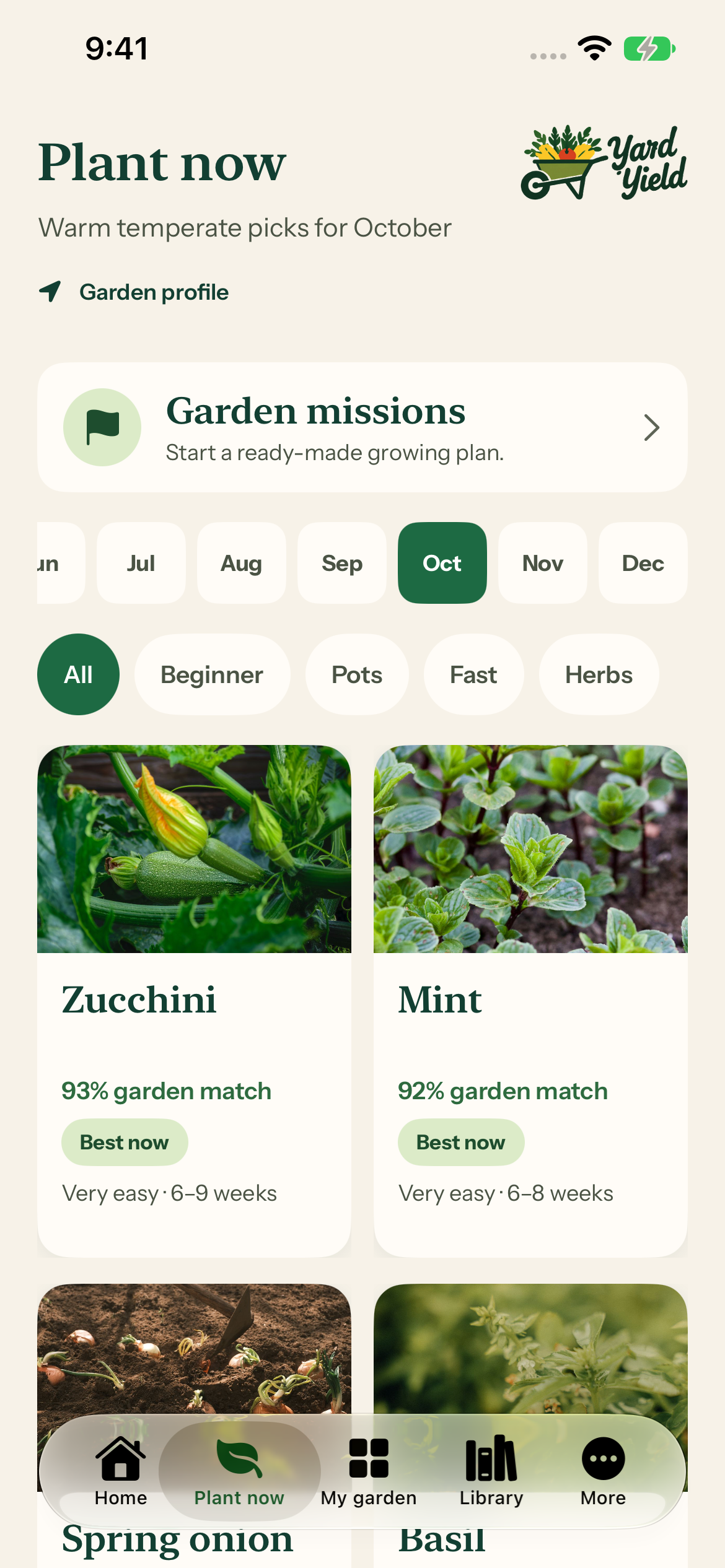
Yard Yield Plant now screen showing month selection, crop filters and plant cards
From the Yard Yield app · example garden

02 · Grow

Keep your garden together.

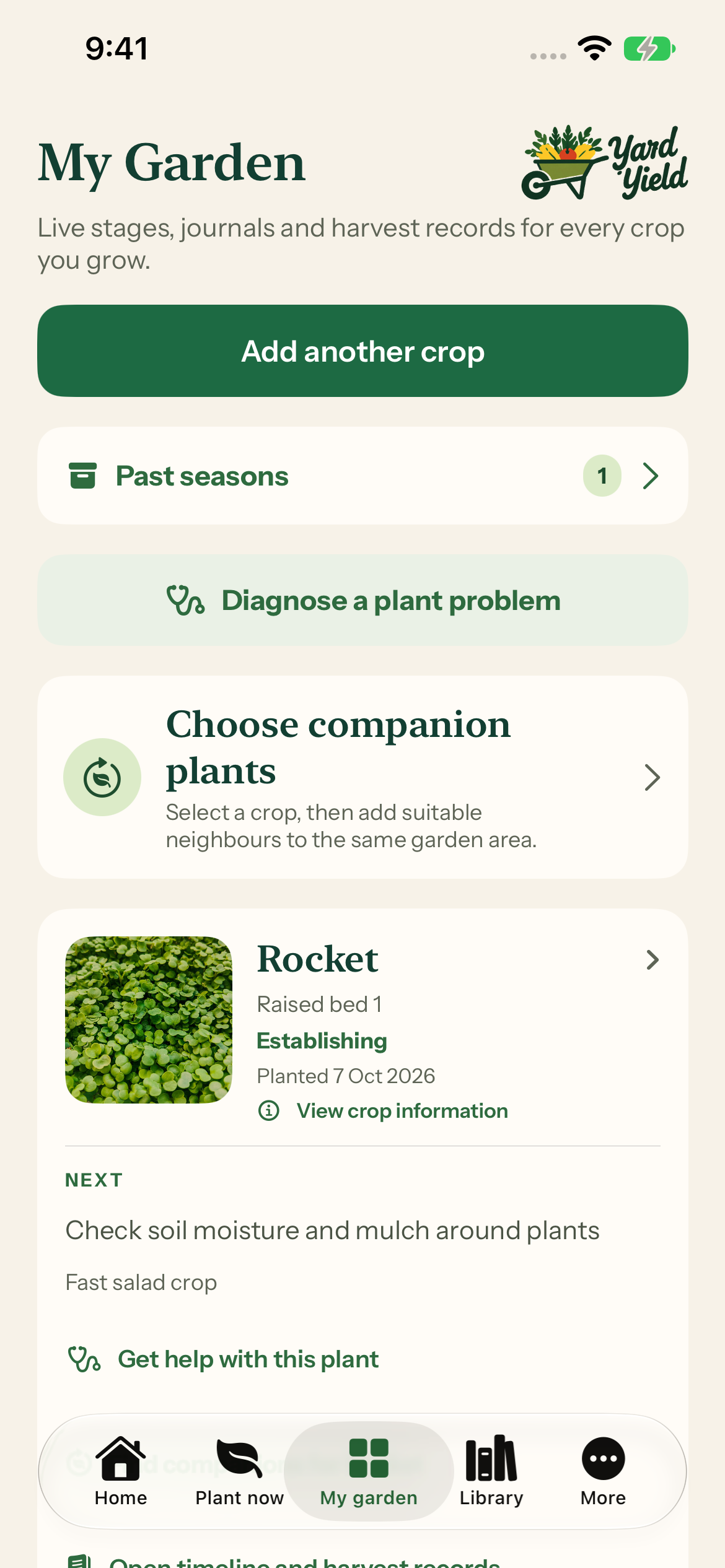
Bring the crops you plant into My Garden. Follow their progress, keep them connected to a growing space and find the information you need again.

  • Keep track of planted crops
  • Organise plants by their growing spaces
  • Return to past seasons and crop information
Yard Yield My Garden screen with a growing Rocket crop in Raised bed 1
From the Yard Yield app · example garden

03 · Remember

Remember what worked.

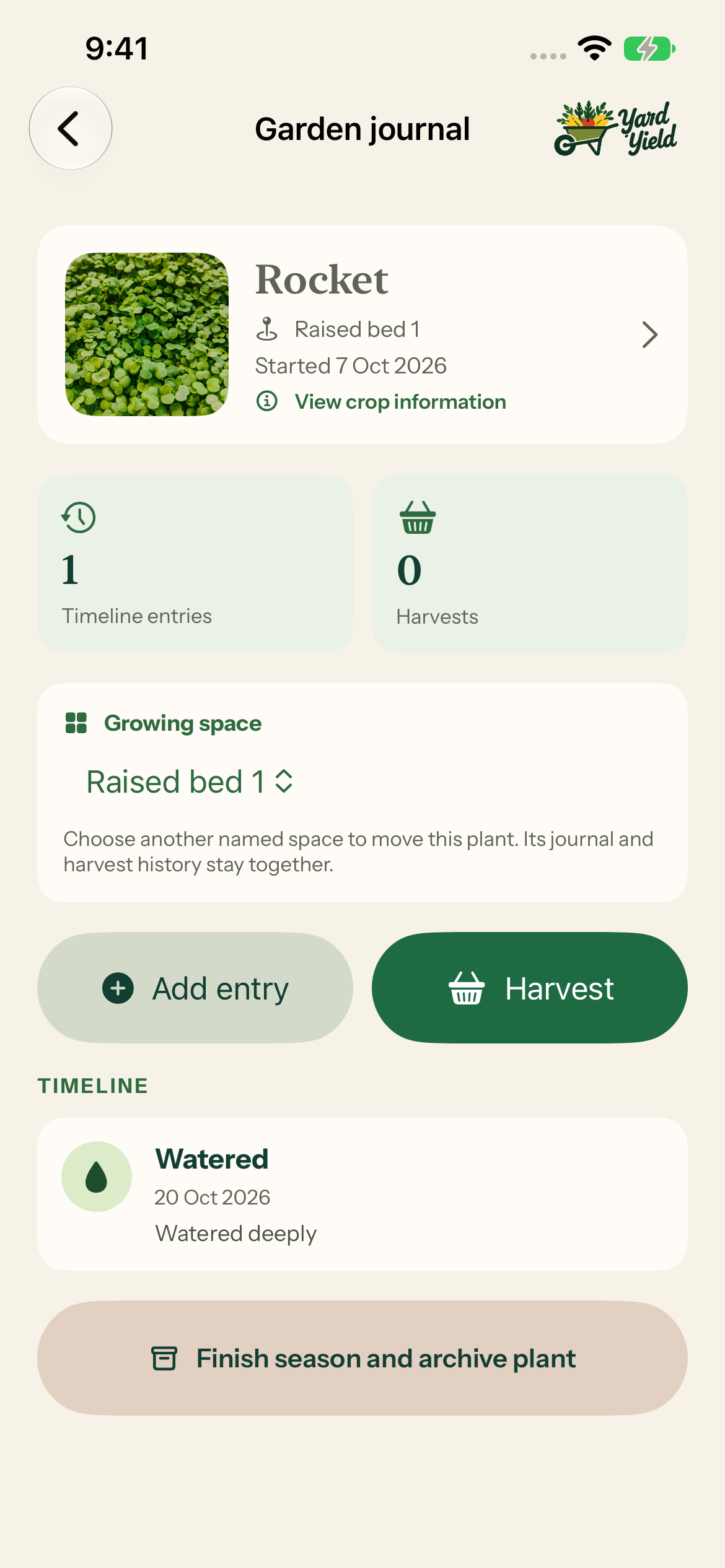
A garden changes every week. Add journal entries and harvest records so the small observations are there when you need them next season.

  • Add observations to a crop’s timeline
  • Record watering and garden care
  • Keep harvest records alongside the plant
Yard Yield Garden journal screen with a watering entry and harvest action
From the Yard Yield app · example garden

Your next step starts here.

Explore the app for your own garden.

Download on the App Store